
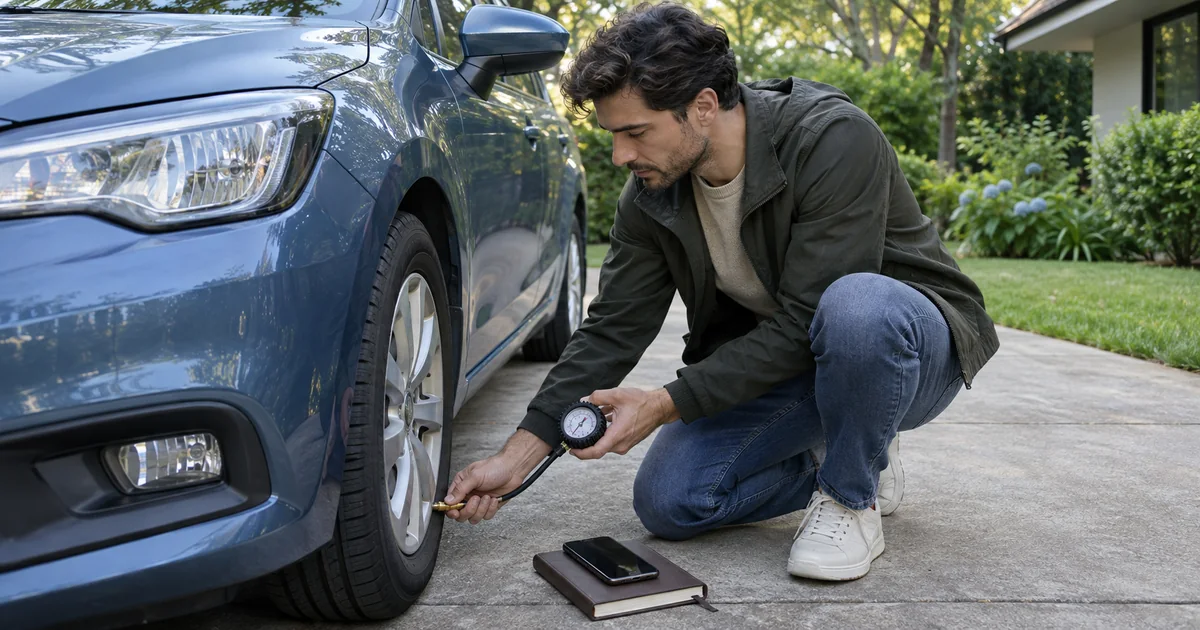
Before saving a tyre measurement, identify the vehicle, the wheel and the checking conditions. A number without that context may be of little use next time you read it. The check takes place at the car; Vehículos al día helps you keep the information rather than measuring it through your phone.
Spain’s DGT advises checking pressure when tyres are cold, following the vehicle manufacturer’s recommendation and inspecting tread and uneven wear before a long trip. This guide organises the work and its record; it does not prescribe one pressure for every car.
Find the right reference before using the gauge
Consult your vehicle’s guidance for the fitted tyres and planned load. Do not use the pressure for another car in the garage because the vehicles look similar. If the information is unclear, resolve it with the manufacturer or a workshop before making adjustments.
Michelin explains where to find the recommended pressure. This is maintenance guidance, not evidence that an app automatically detects tyre condition.
Allow enough time to respond to a problem. The DGT travel preparation guide includes deformation, cuts and tears among the conditions to inspect. Saving a note does not resolve a physical defect.
From the physical check to the vehicle history
This is a proposed workflow, not a reproduction of app menus or mandatory fields:
- Choose the vehicle you will use. If you manage several in Vehículos al día, check that you are viewing the right one.
- Carry out the check with the vehicle parked and under the manufacturer’s specified conditions. Plan a cold-tyre pressure check. Inspect tyre condition too; seek professional advice about damage or uncertainty before leaving.
- Keep measurements with their identification. Distinguish the wheel and unit used. Avoid saving only “pressure checked” if you will later need the actual reading.
- Record what was actually done. The app documents tyre measurements, history and vehicle notes. Use the options in your version to retain the information available; a planned check and a completed one mean different things.
- Review outstanding work. If a workshop needs to intervene, keep the corresponding follow-up. An optional reminder neither replaces that work nor confirms its completion.
Two cars, one note that is no longer enough
Imagine preparing a trip in the family car when the last check you remember concerned the smaller vehicle. “I checked it last week” does not identify which tyres you checked or the conditions behind the reading.
In this fictional situation, return to the car for the trip, find its reference information and carry out the appropriate check. Then retain the measurements and observations you actually obtained. Do not fill in unmeasured wheels or copy figures just to complete a screen.
The useful outcome is being able to distinguish an observed reading, the manufacturer’s reference and outstanding work. It is not a certificate that the car is ready for every journey.
A tool for keeping the record
The Vehículos al día product facts document multiple vehicles, tyres, maintenance, history and optional local alerts. Data stays locally and no account is required. This guide does not attribute sensor connections, automatic diagnosis or inspection verification to the app.
Visit the application and its Google Play link for current availability, price and compatibility. Complete the physical check before travelling, then leave a record you can interpret. References checked on 14 November 2026.