
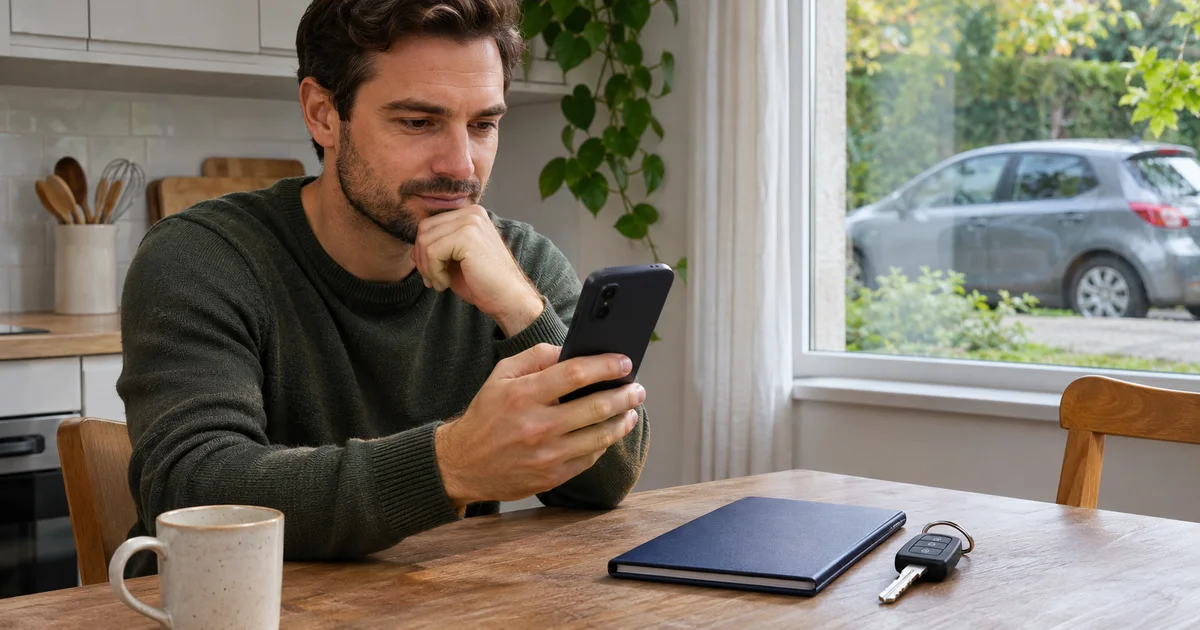
If you expected a Vehicles Up to Date reminder and have not seen it, open the pending service first and check what it is based on. A missing notification does not establish that maintenance can wait. Then check whether Android allows the app to display notifications and whether it presents them silently.
The product facts document service scheduling by date or distance and optional local notifications; they also warn that reminders can be delayed. The app helps you organise follow-up using your records. It does not replace the vehicle’s maintenance schedule or a professional check.
Check the service before the phone
Imagine you planned to check a component before a particular date and cannot remember receiving a reminder. With the vehicle parked, look up the vehicle and task you recorded, the planned date and the documentation you used. If the reference is a distance, compare it with the current odometer; do not assume an old reading represents today’s use.
If maintenance is due, arrange it according to the manufacturer’s or workshop’s guidance. Investigating the notification is a separate task. Do not mark the work as completed merely to remove it from the pending list: preserve the distinction between planned and completed work.
Check whether notifications are allowed or merely silent
Google’s Android notification help explains that settings can vary by device. Its reference route is:
- Open the phone’s Settings, then Notifications and App notifications.
- Find Vehicles Up to Date; if it is not among recently used apps, look in the list of all apps.
- Check whether its notifications are enabled. If your device offers notification categories for this app, review the options that actually appear.
- Pull down the notification shade. On some Android devices, a notification set to silent appears there without making a sound or vibrating. Not hearing it and not receiving it are different situations.
These are system controls. They do not assume Vehicles Up to Date has a test button, particular categories or an internal setting with a specific name. Enabling permission does not demonstrate that a notification has already arrived or necessarily recover an earlier one.
A useful check before calling it resolved
Keep a note of what you observed: which service you expected, its planned reference, whether notifications were allowed and whether you found one in the shade. Check the pending record in the app again. If you need help, that description is more useful than “it does not work”, and you can prepare it without sharing registration numbers, documents or your full history.
Do not clear app data or reinstall as your first attempt. Vehicles Up to Date stores information locally. If you later need to move it, first prepare a history backup and check its contents at the destination before erasing the original.
To organise follow-up, explore Vehicles Up to Date and its current Google Play listing. To decide when work is due, return to your vehicle’s maintenance schedule; enabling a permission does not inspect the car for you.